How to Program Your Garage Door Remote: A Complete Guide by Americana Garage Door Repair

Introduction: The Importance of a Functional Garage Door Remote
For homeowners in Mission Viejo, CA, a garage door remote is more than just a convenience; it’s a vital part of home security. Not only does it provide easy access to your garage, but it also helps protect your belongings and enhances the overall safety of your property. However, over time, you may find that your remote requires programming or reprogramming. In this guide, we’ll walk you through the steps needed to program your garage door remote, making the process as easy as pie!
Understanding Garage Door Remotes
Before diving into how to program your garage door remote, it’s essential to understand the different types of remotes available. Knowing your remote's type can make the programming process easier.
Types of Garage Door Remotes
- Single-Button Remotes: These remotes control only one garage door.
- Multi-Button Remotes: These can operate multiple garage doors.
- Wireless Keypads: These allow you to enter a code to open the garage door without a remote.
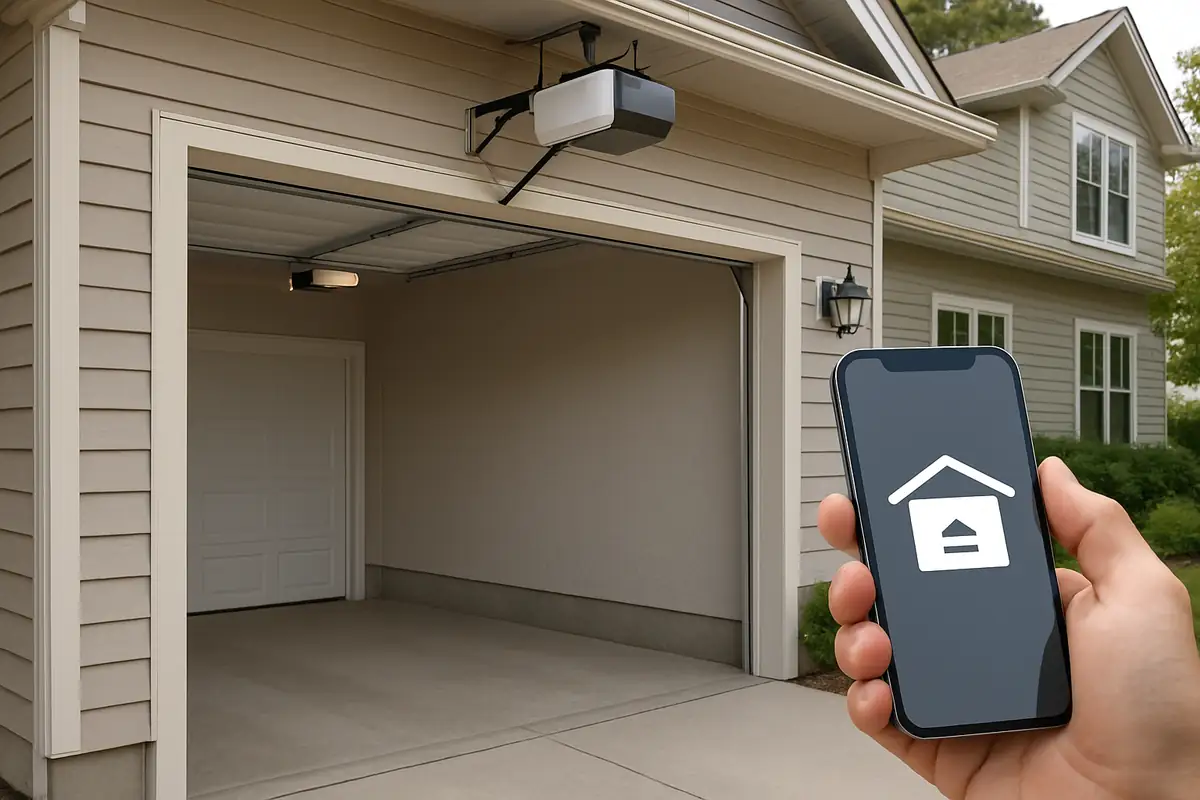
- Smartphone Apps: With today’s technology, many modern garage doors can be controlled through smartphone applications.
Step-by-Step: How to Program Your Garage Door Remote
Once you’ve identified your garage door remote type, follow these simple steps to program it:
1. Gather Your Materials
You’ll need:
- Your garage door remote
- A ladder (if necessary)
- Your garage door opener unit
- The manual for your garage door opener (optional but recommended)
2. Locate the Learn Button
Every garage door opener has a Learn button that you must press to begin the programming process. This button is typically located on the back or side of the motor. In some cases, you may need a ladder to reach it.
3. Clear Existing Codes (if necessary)
For added security, you may wish to clear existing codes before programming a new remote:
- Press and hold the Learn button until the indicator light turns off (usually takes about 6 seconds).
- This step will erase all previous codes, including those from existing remotes.
4. Program the New Remote
Now, it’s time to program your remote:
- Press and release the Learn button on the garage door opener.
- Within 30 seconds, press and hold the button on your new remote that you wish to program.
- Release the button when the garage door opener lights blink or you hear a click.
5. Test the Remote
After programming, test your remote by pressing the button. The door should respond accordingly. If it doesn’t, repeat the steps or consult your garage door opener manual.
Troubleshooting Common Issues
Even after following the above steps, you might encounter issues. Here are some common troubleshooting tips:
- The Remote Doesn’t Work: Check the battery and ensure it’s installed correctly.
- Interference: Other electronic devices can interfere with your remote. Try to reprogram your remote away from such devices.
- Distance Issues: If your remote only works when you're close to the door, the antenna on your garage door opener may need adjusting.
Statistics on Garage Door Reliability
Did you know that over 70 million American households have garage doors? According to industry statistics, about 1 in 15 homes will experience a garage door malfunction at some point. Regular maintenance and understanding how to program your garage door remote can help prevent common issues.
When to Call in Professionals
If you find yourself struggling despite following this guide, it might be time to call in professionals. Americana Garage Door Repair proudly serves Mission Viejo, CA, and can help you with:
- Programming and reprogramming remotes
- Routine maintenance checks
- Full garage door repair services
Conclusion: Ensure Seamless Access to Your Home
Programming your garage door remote doesn’t have to be a daunting task. With this guide, you can quickly and effectively get back to enjoying the convenience of your garage door. Should you encounter any challenges or require expert assistance, don’t hesitate to reach out to Americana Garage Door Repair. We’re here to ensure your garage door functions smoothly, providing peace of mind to you and your family. Contact us today for all your garage door needs in Mission Viejo, CA!
Explore More Resources
Related Articles
Service Areas
We proudly serve Mission Viejo, Laguna Hills, Las Flores, Lake Forest, Ladera Ranch and more areas.
Our Services
Professional garage door repair, spring repair, opener installation and more. View all services →